Your choice of translation
Switch versions from the chapter you are on. Highlights, notes and bookmarks follow the verse, whichever translation you read it in.

A Bible study desk, open on every device
Word Unfolded lays the text, trusted commentary and the Hebrew and Greek behind every verse side by side, with your own highlights and notes kept right where you made them. On your computer, on your phone, even with no connection.
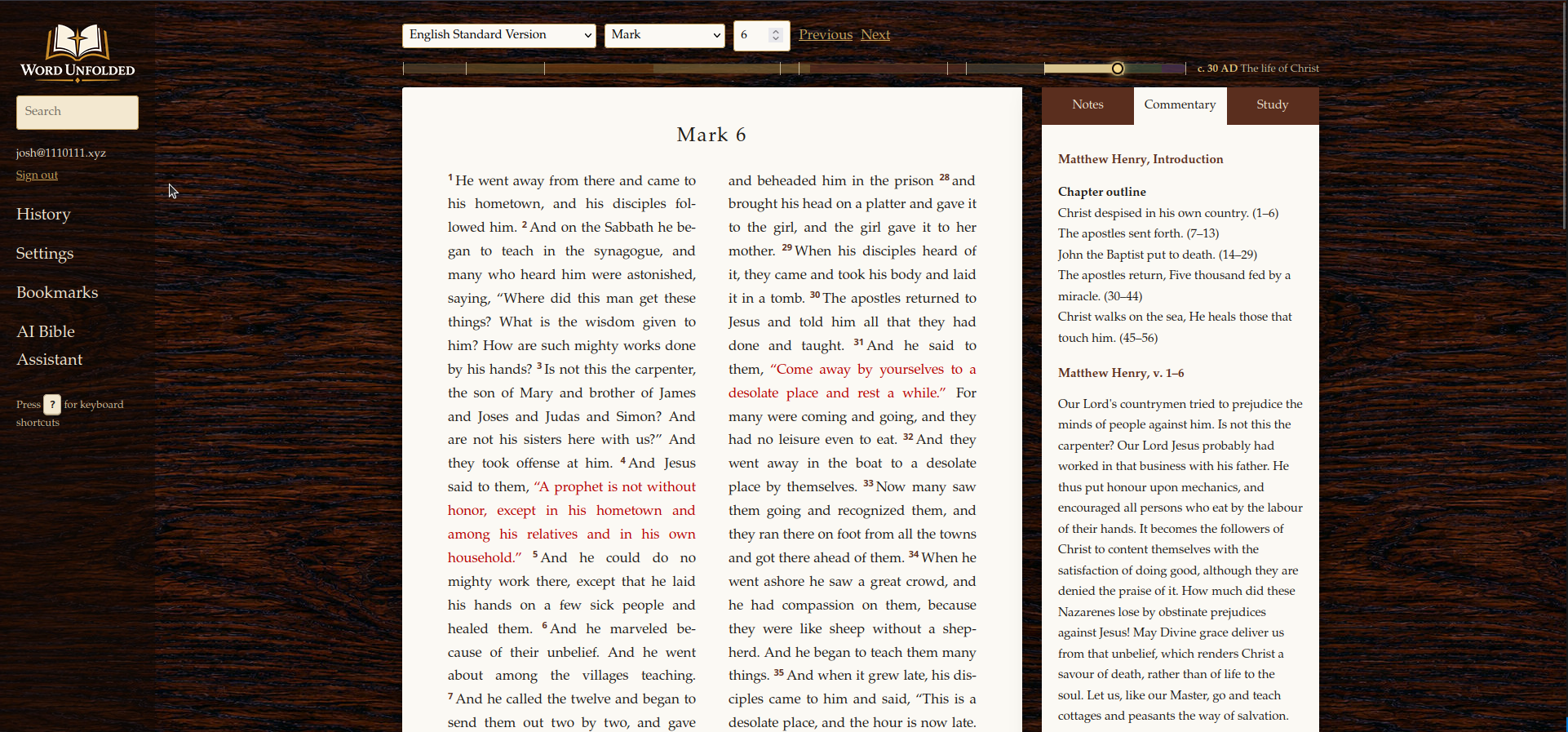
Inside the app
Switch versions from the chapter you are on. Highlights, notes and bookmarks follow the verse, whichever translation you read it in.
Four highlighter colours, notes you can edit in place, and a bookmarks list, all saved to your account.
Matthew Henry's Concise Commentary sits in its own tab. Tap a verse and it narrows to the passages that speak to it.
The Study tab shows the original words of each verse with lexicon entries. Point at an English word to find the word behind it.
Ask about what you are reading. Answers draw on your recent verses, your notes and the commentary, and every reference is a link.
Type a reference to go straight there, words to search the whole Bible, or a Greek or Hebrew word to find every verse that uses it.
Your last 100 verses, the same on every device, and an optional timeline that shows where each chapter falls in biblical history.
Add it to your home screen, read with the tabs in a pull-up sheet, and download a translation to keep reading with no signal.
How it works
The app opens where you left off, or jump anywhere from the quick search bar.
Commentary and the Hebrew or Greek narrow to that verse, so the right help is already open.
Highlight it, write a note, or ask the assistant. It is all there next time, on any device.
Sign in to start reading ↑Thy word is a lamp unto my feet, and a light unto my path.
Psalm 119:105